
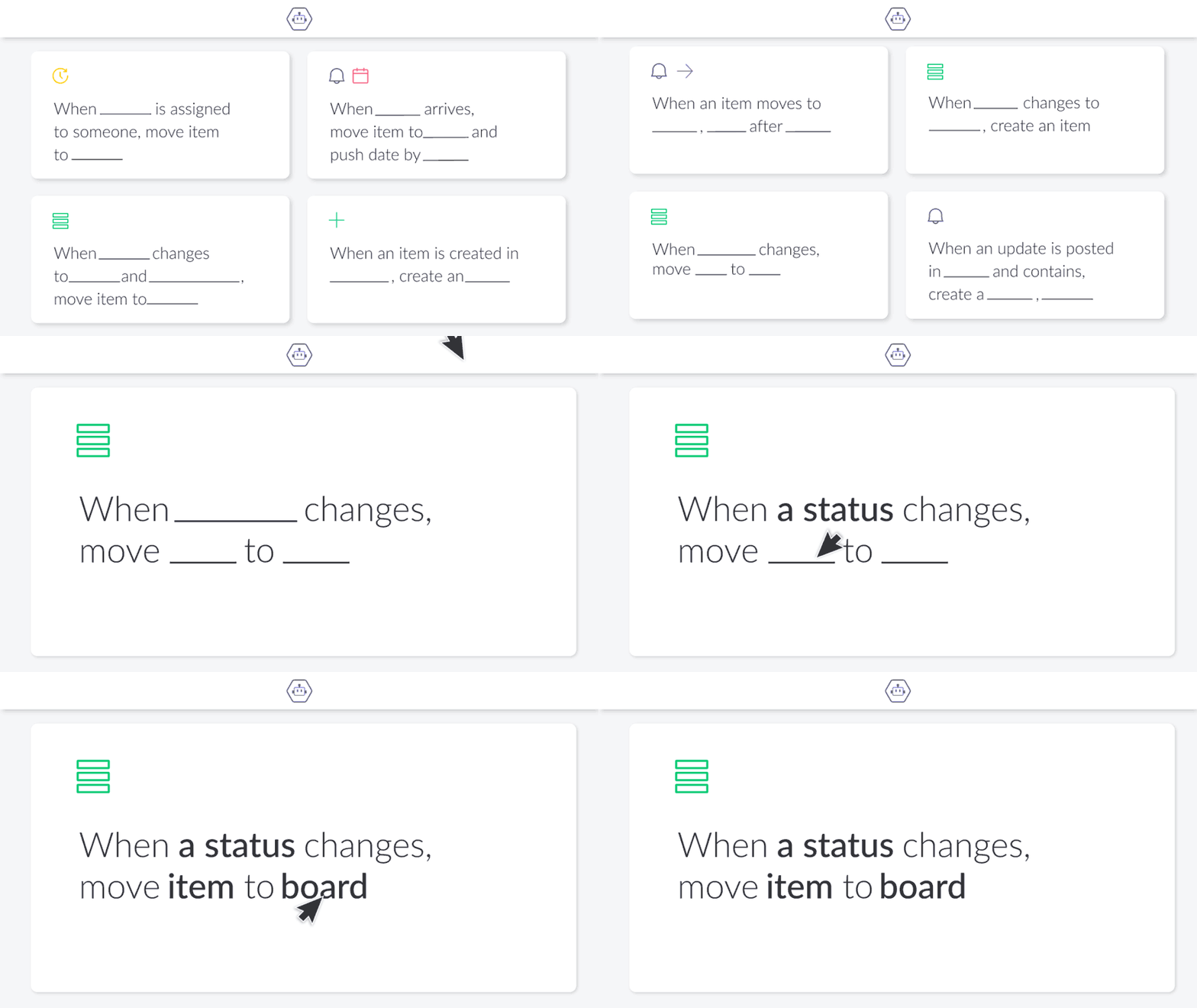
Three things Autoboost does that monday.com cannot do on its own
- 01
Mirror Column made Easy
Move values out of mirror columns and into regular ones — people, timelines, numbers and more — so they can be filtered, grouped and used like any other column.
- 02
Formula Superpower
Use subitem values inside formulas and write the result back to item and subitem columns, including the summary values of a group.
- 03
Advanced Sub-Items
Roll subitem data up to the parent item and keep both levels in sync, without maintaining the same number twice.
Book a demo
See Autoboost running on a board like yours, with your columns and your recipes.
Book a DemoGet support
Already installed and something is not behaving? Our team answers setup and recipe questions directly.
Get SupportQuestions we get about Autoboost
What makes Autoboost different from native monday.com automations?
Autoboost goes beyond monday.com's built-in automations by giving you advanced recipes and formulas that aren't available natively, such as accessing mirrored values easily or formula triggers. This means more flexibility, fewer workarounds, and faster results — all inside the platform you already know and love.
Is my data secure?
Autoboost runs inside your monday.com account and only reads the boards you point it at. No board data is stored outside the platform.
Is there a free trial, and how is Autoboost priced?
Autoboost is available on the monday.com marketplace with a free trial period, after which pricing follows your account tier.
Do I need prior experience to use it?
No. Recipes are configured the same way as native monday.com automations — you choose a trigger, the columns involved and the action.
What kind of workflows can I build?
Anything that depends on values monday.com cannot normally reach: mirrored fields written to real columns, formulas that use subitem data, and group summaries pushed into item columns.
How do I install Autoboost?
Install it from the monday.com marketplace into the account that holds your boards, then add a recipe from the automations centre of any board.
Does it work with my plan?
Autoboost works with the monday.com plans that include the marketplace and automations. Check your plan's automation limits before building at scale.
Can I cancel at any time?
Yes. Uninstall the app from the marketplace and the recipes stop running; your board data stays as it is.







Boost your organization today!
Tell us what you are trying to automate. We will map the pain point and come back with a working path forward.