Skip to content
Gmail add-on guide

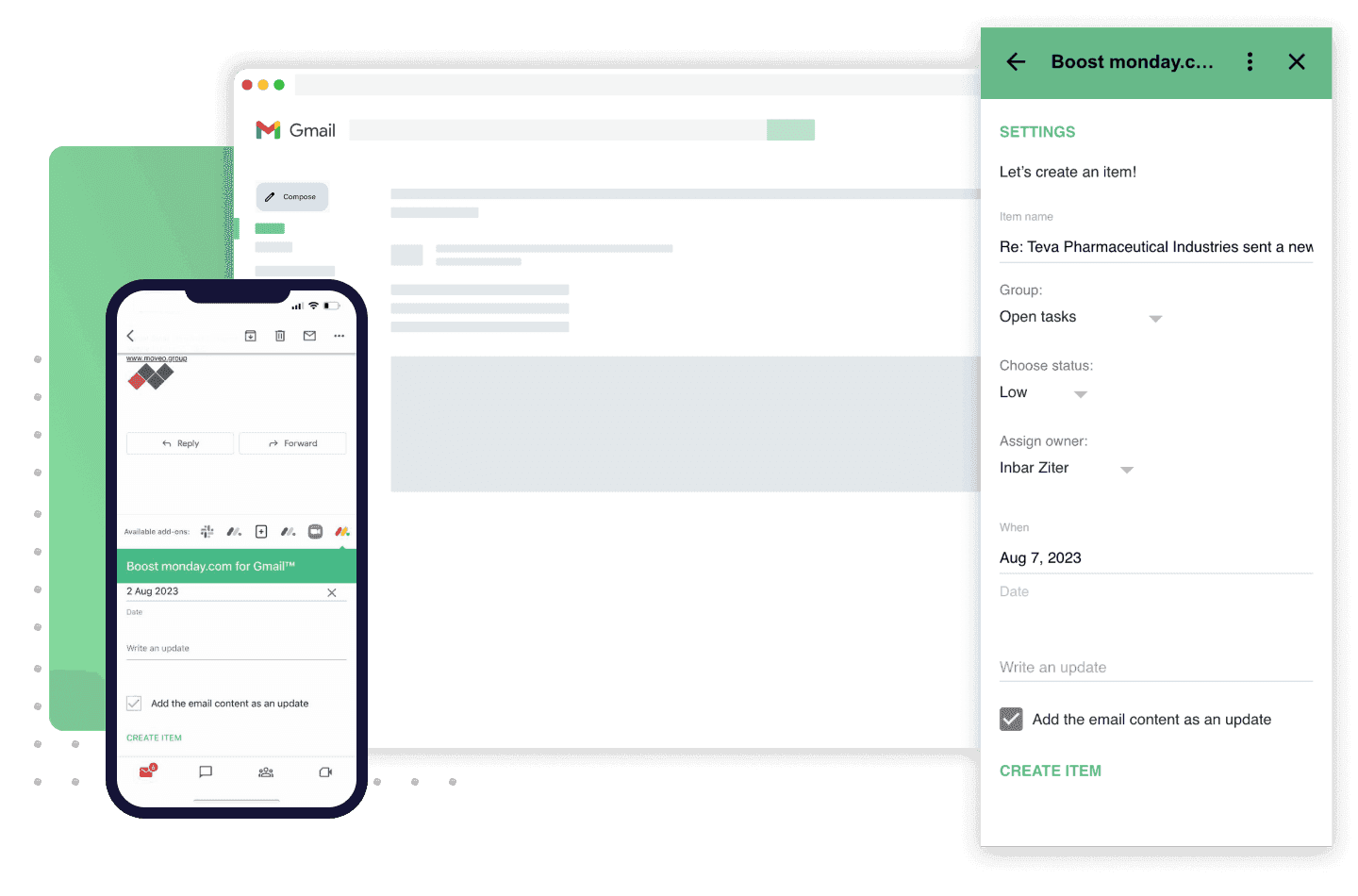
How to use Gmail for monday.com add-on

to streamline your workflow

add-on
01

Install the app on monday.com

  1. Open in monday.com marketplace
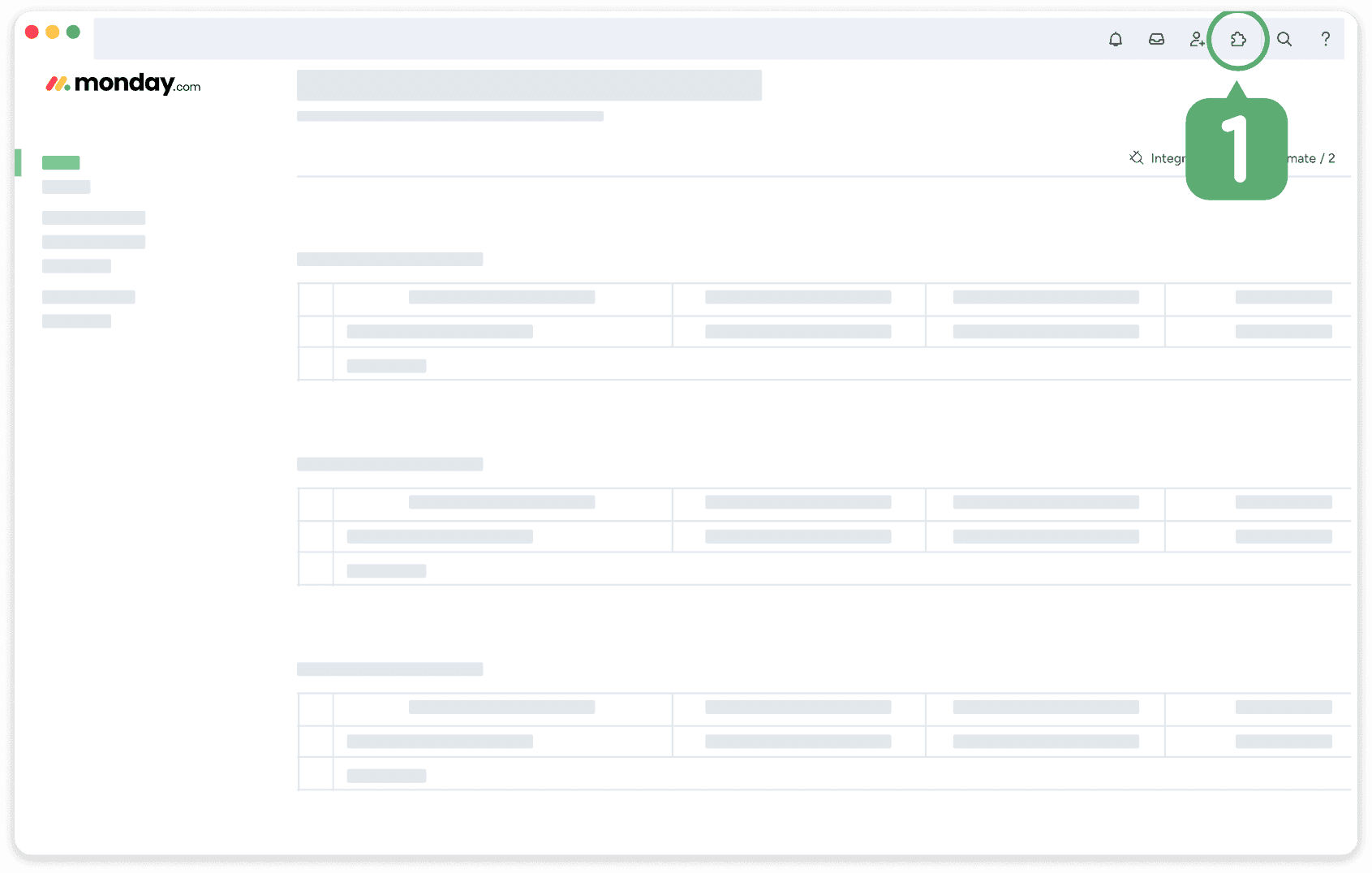
Enter monday.com marketplace.
1 / 4
02

Add recipe to your board
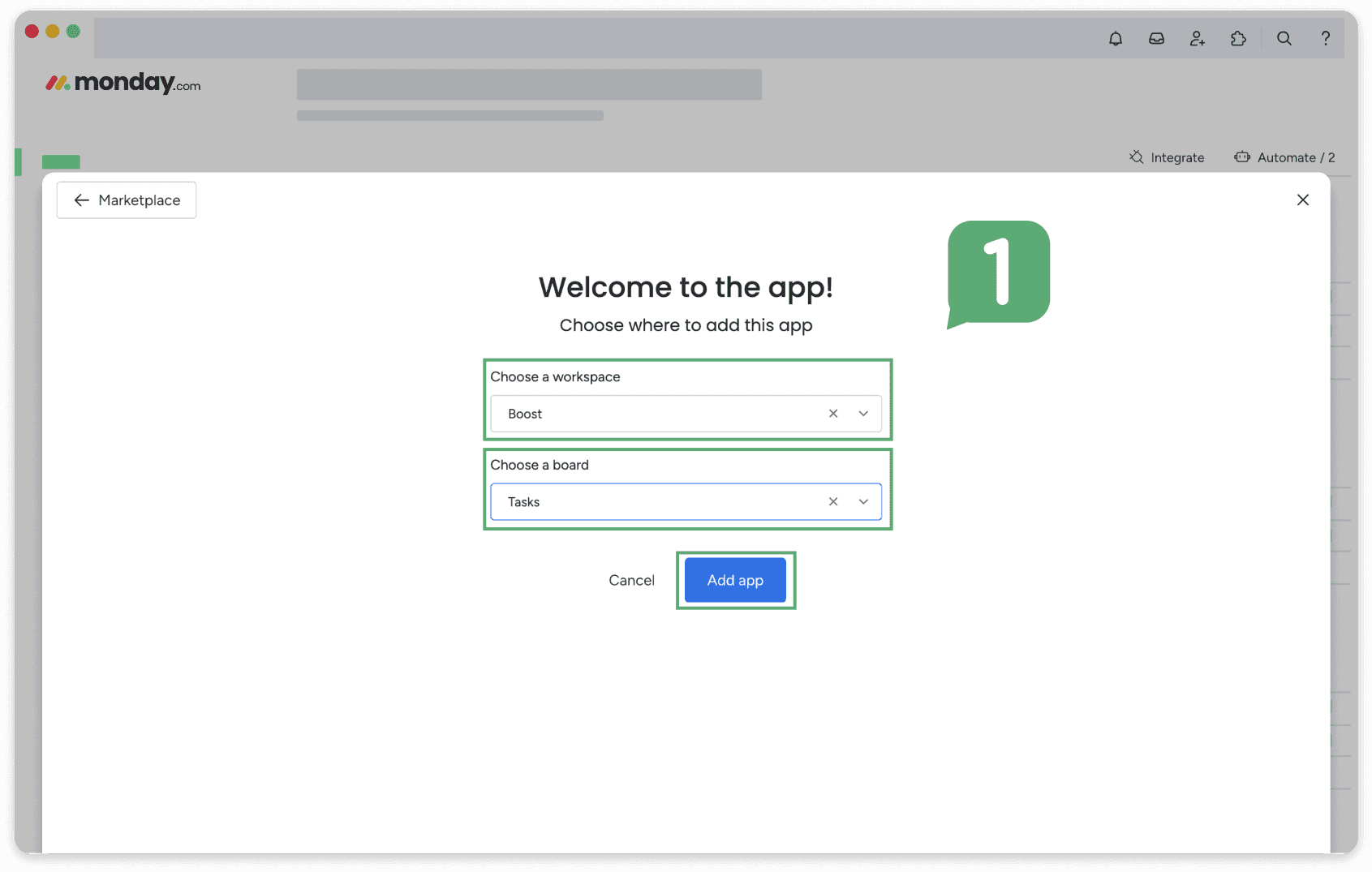
After installation, choose workspace, board and click ‘add app’.
1 / 4
03

Install the app on Gmail marketplace

  1. Open in Google Workspace Marketplace
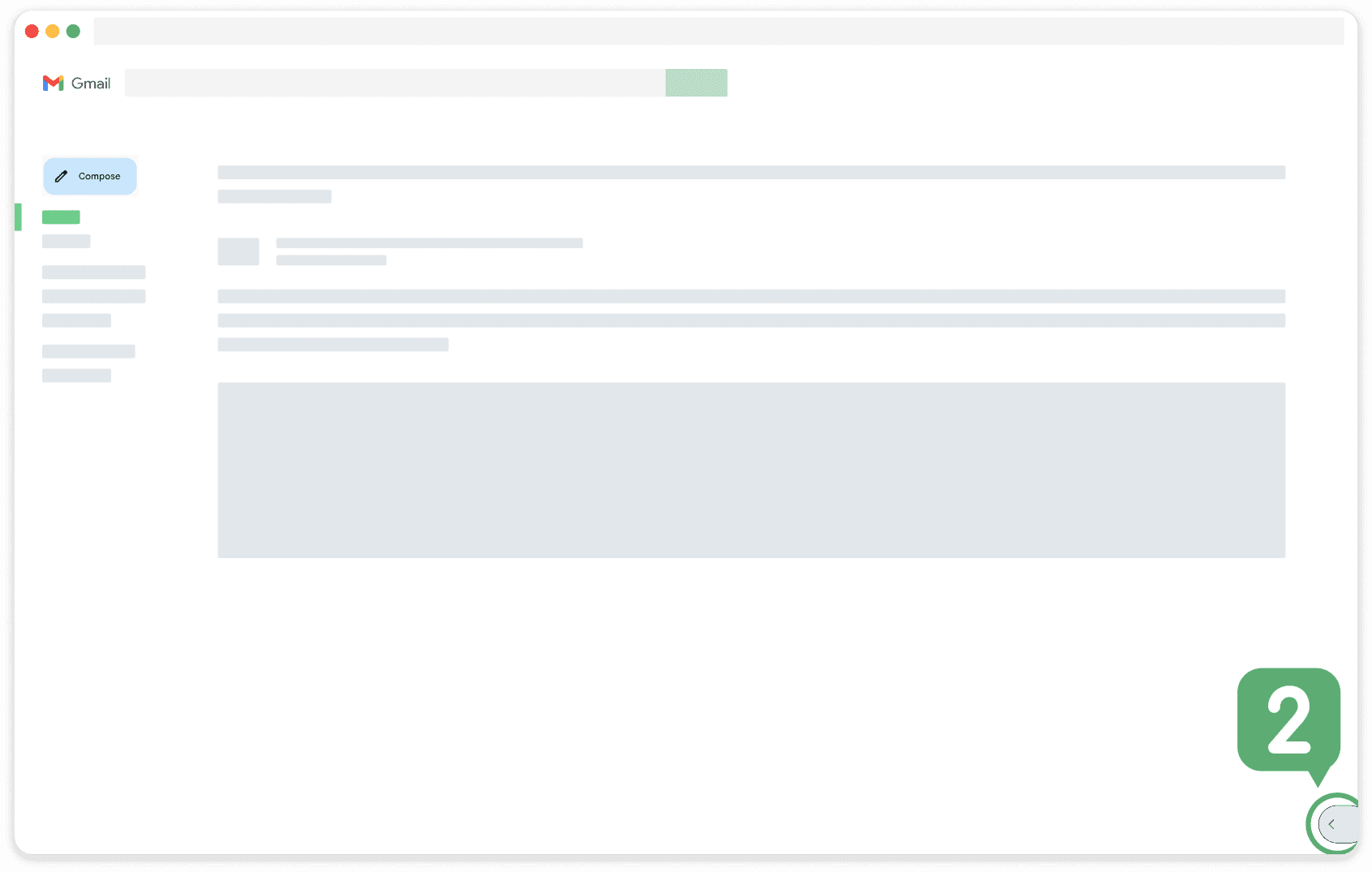
go to Gmail.
1 / 5
04

Choose your default settings

Select where the item will be created
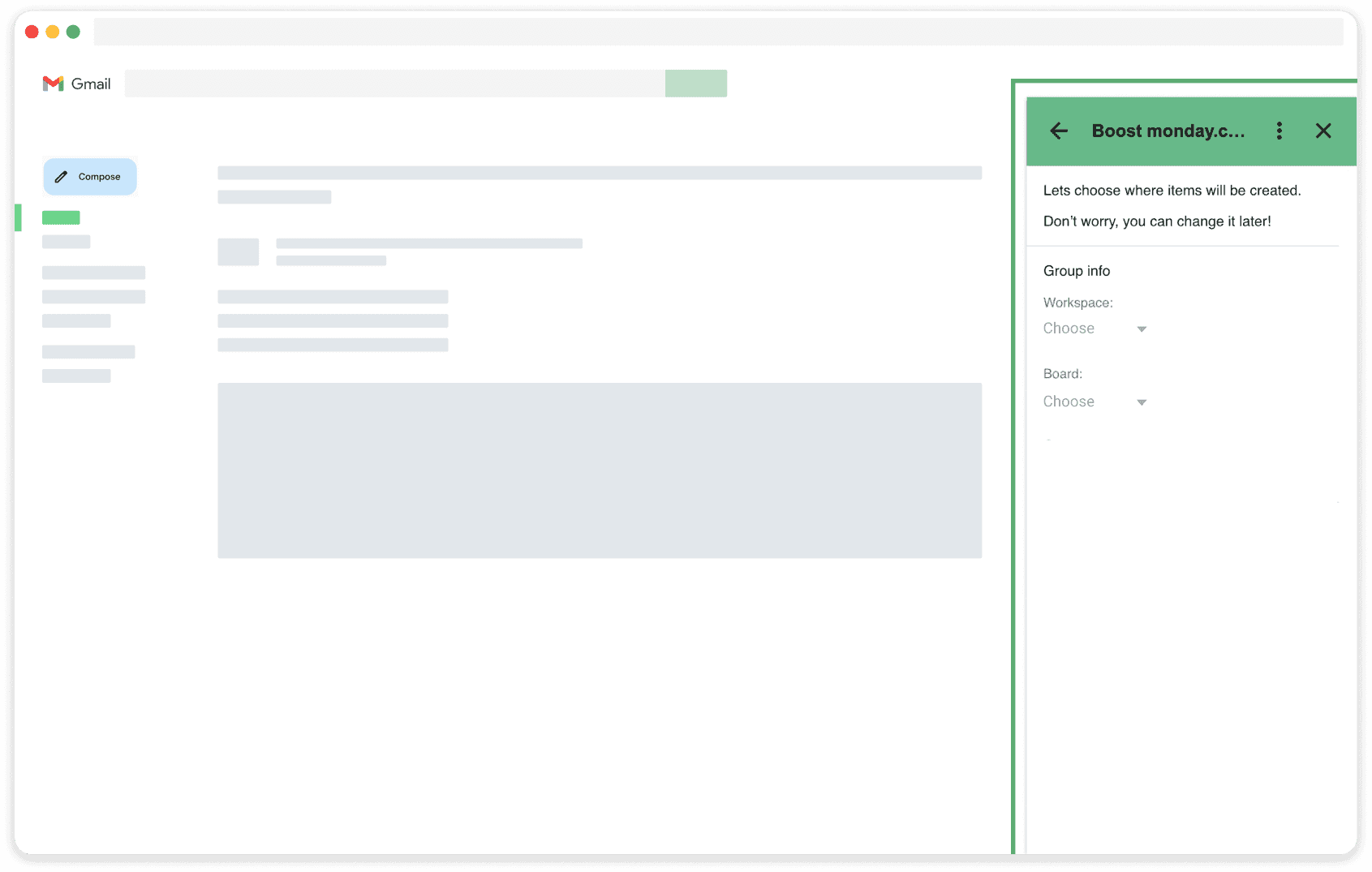
Choose a workspace.
1 / 3

General notes

You can change your selection by returning to the settings page and changing those values. One monday.com account can be linked to each Gmail address.


  • monday.com Platinum Partner
  • monday.com Advanced Delivery Partner
  • monday.com Best Professional Services Partner 2024 EMEA
  • monday.com Best Professional Services Partner 2025 EMEA
  • monday.com Certified Partner
  • monday.com Specialist Partner
  • monday.com Work Management Partner
  • ISO 27001

Boost your organization today!

Tell us what you are trying to automate. We will map the pain point and come back with a working path forward.

By clicking “Submit,” you confirm that you have read and agree to the Privacy Policy.